 1.4M 251.3K
 Slideshows, not another video toolDefine the hook once.
Define the hook once.
Hooklane posts forever.
Hooklane turns a URL — or a format you build — into TikTok photo slideshows that write themselves, schedule themselves and publish themselves.
No card required · Free plan stays free · Cancel any time





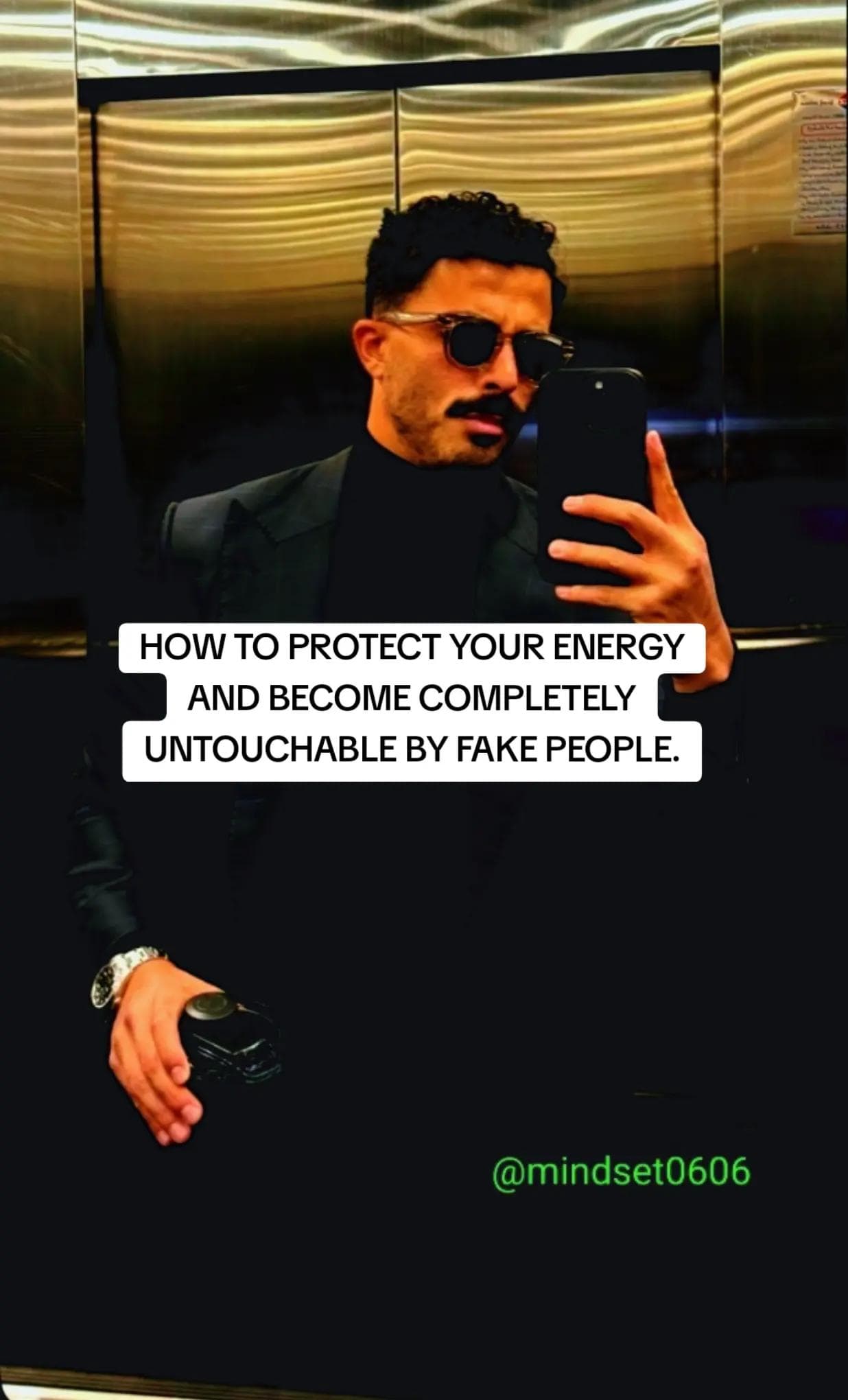
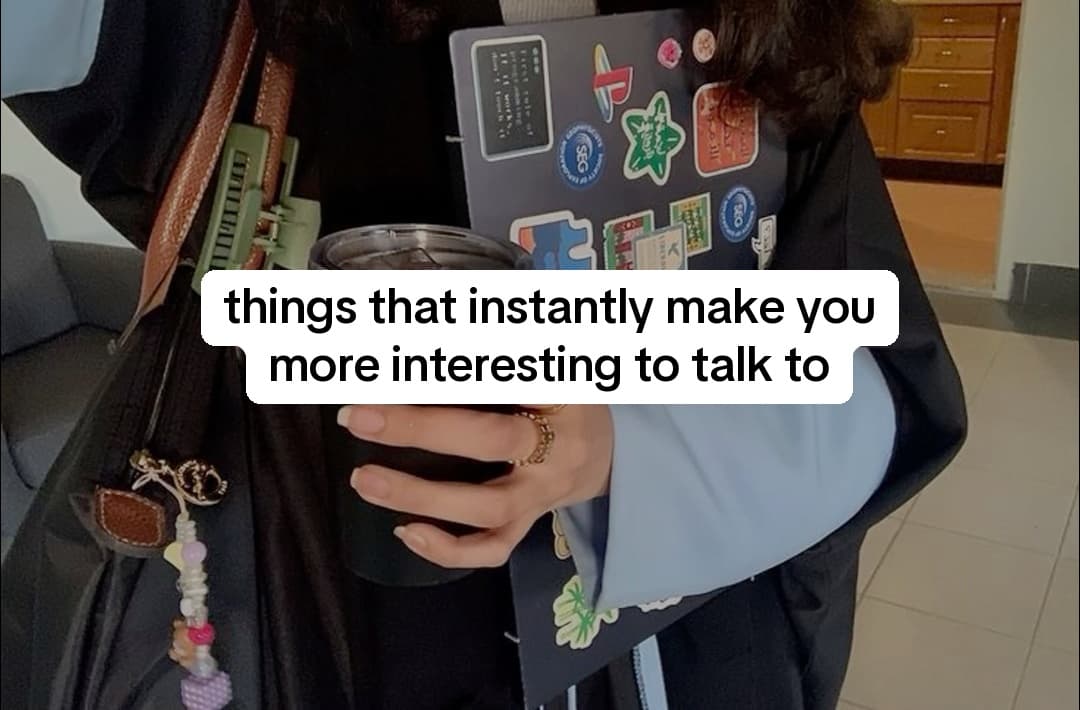



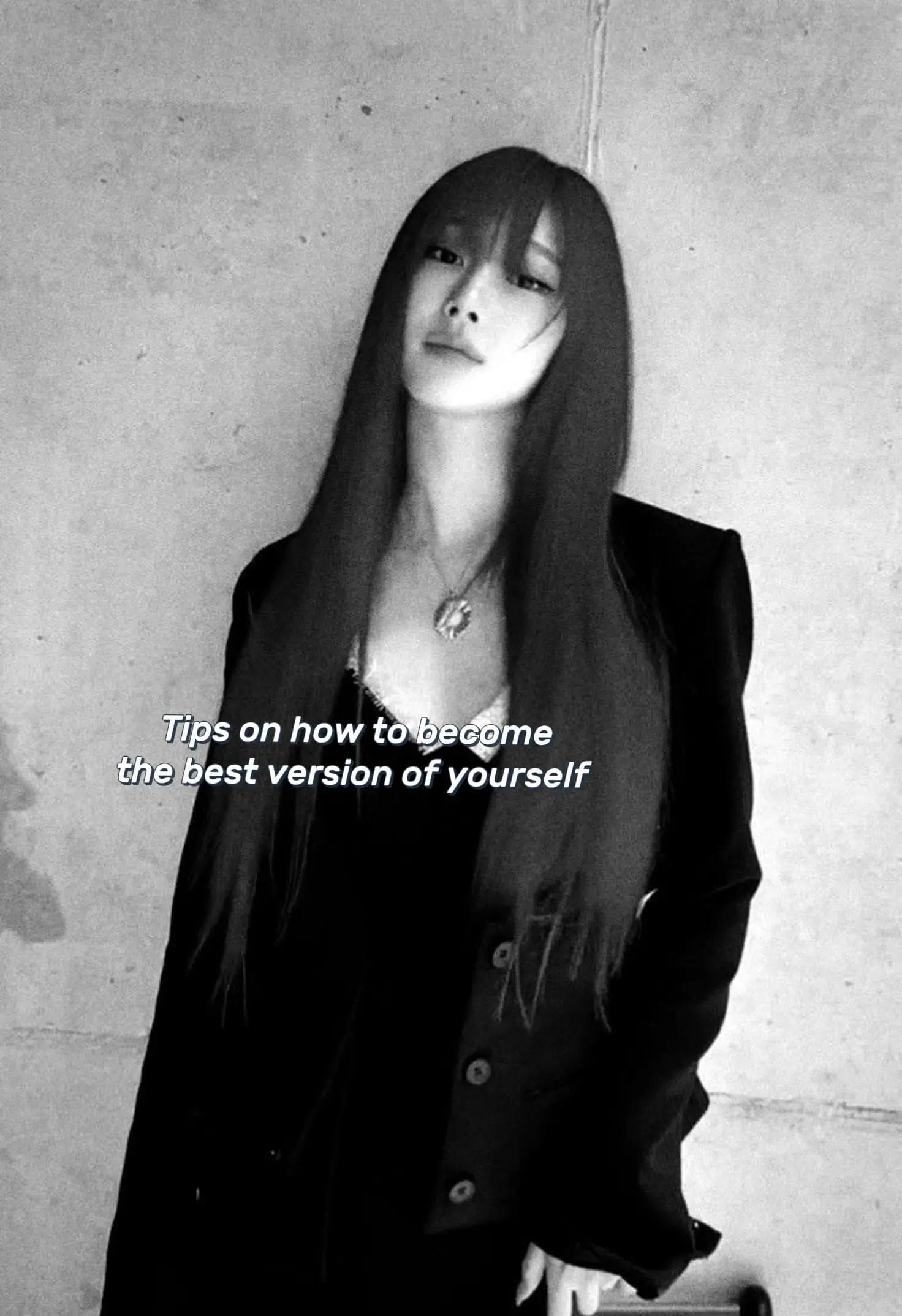




How it works
One setup. A week of posts in motion.
Start from a URL or build the format yourself. Either way, the result is one automation that keeps producing.
01
Start with anything
Paste a page and let Hooklane find the angle, or define the format yourself.
Source URL
yoursite.com/product
or
Build manually
02
Hooklane builds the system
One automation holds the hooks, photos, format and posting rhythm.
Self improvement
ActiveHooks ready12
Photos selected24
Slides per post7
Posting rhythm3× weekly
03
Review the real output
Edit the actual rendered deck, not a rough preview or an AI image guess.
Matches final export7 slides
04
It keeps running
The next posts are generated and queued on the schedule you chose.
MON 12Ready
WED 14Scheduled
FRI 16Scheduled
Automation active
Built for the real workflow
Built for people who need content to keep moving.
From finding the next hook to getting it published — without rebuilding every post from scratch.
“I pasted our landing page expecting generic content ideas. It understood the audience surprisingly well. I changed a few hooks, picked a visual direction, and had the first week moving.”
Mobile App Founder
“Most AI tools give me one post and send me back to a blank page. Hooklane gave me a format I could keep running.”
Growth Marketer
“The Pinterest search matters more than it sounds. Stock photos kept giving me the wrong aesthetic for the niche. Here I can find the right vibe without leaving the workflow.”
Solo Creator
“What sold me was being able to fix the slides before anything went live. I want automation, but I still want the final say.”
Content Manager
“We found two hook styles carrying most of the page. Seeing performance grouped by hook made the next batch much easier to plan.”
DTC Growth Lead
“I built three formats once. Now I mostly choose angles and review the queue instead of rebuilding every carousel in Canva.”
TikTok Page Operator
“Some posts still miss. The difference is that making the next test no longer eats half the day.”
App Marketer
“Sometimes I want to download and post manually. Sometimes I want the week scheduled. Having both in one place is exactly what I needed.”
Social Media Manager
“Finally, something built around TikTok photo posts instead of making me force slideshow work into another video editor.”
Agency Owner
Features
Everything the posting actually needs.
No AI avatars, no fake presenters. The parts that make a slideshow page work, built properly.
Automations, not one-offs
A hook pool, a tone, a format and a schedule. Define it once and it keeps producing.
A real slideshow editor
Multiple text layers, six fonts, four aspect ratios, grids and overlays — with a live preview that matches the finished slideshow.
Create from a URL
Paste a site and get a working automation: niche, themes, hooks, captions and matching photos. Not a one-time onboarding trick — it stays available.
Free stock, not just Pinterest
Pexels and Pixabay sit alongside Pinterest, so you can build collections that are actually cleared for commercial use.
Scheduling that survives
Per-slot scheduling in your timezone, with retries and reconciliation. Posts do not silently vanish.
Analytics on the hook
Views, likes and engagement per post — grouped by the hook that produced them, so you learn which openers actually work.
API and Skill access
A REST API on paid plans, plus a downloadable Skill so you can drive Hooklane from your own agent.
Review, download or publish
Check the finished deck first, download it for yourself, or send it to a connected TikTok account on schedule.
Pricing
Simple plans for consistent posting.
One credit is one finished slideshow. Image search and captions are included, with no separate counters to manage.
Free
Kick the tyres. No card.
$0/mo
- 3 slideshows / month
- 1 active automation
- 1 TikTok account
- Personal workspace
- Pinterest, Pexels & Pixabay
Starter
One page, posting properly.
$19/mo
- 60 slideshows / month
- 3 active automations
- Unlimited TikTok accounts
- Unlimited team members
- API access + Skill
Most popular
Growth
Several pages at once.
$39/mo
- 250 slideshows / month
- 12 active automations
- Unlimited TikTok accounts
- Unlimited team members
- API access + Skill
Scale
Agencies and portfolios.
$79/mo
- 700 slideshows / month
- 40 active automations
- Unlimited TikTok accounts
- Unlimited team members
- API access + Skill
Frequently asked questions
What should my first slideshow page be about?
Start with one clear audience and one promise you can repeat. Use your product URL as the source, then narrow the result to three to five themes that solve a specific problem, teach something useful or give people a reason to save the post.
How should I turn my product into content people want to save?
Lead with the audience problem, not the product pitch. Teach a process, break down a mistake, compare options or package useful ideas into a list. Bring the product in as the example, the shortcut or a light call to action after the post has earned attention.
How often should I post?
Pick a pace you can sustain long enough to learn from it. Daily or every other day is a useful starting rhythm. Keep the format and audience stable for a batch of posts, then use the results to decide whether to post more or change the creative.
I am posting consistently. Why are views still flat?
Start with the opening slide. If the hook does not create curiosity, promise a useful payoff or call out the right person, better images will not rescue it. Compare hooks first, then test the narrative, visual style and call to action one variable at a time.
What should I do when one slideshow starts working?
Treat it as a signal, not a one-off win. Keep the hook structure or narrative that worked, then make variations with new examples, lists and images. Hooklane groups results by hook so you can see what deserves another round.
How do I keep automated slideshows from looking generic?
Give the automation a specific point of view, a focused hook pool and a consistent image collection. Build a format that looks like your page, then review the finished deck before it ships. Automation handles repetition; your choices keep it recognizable.
Do I need to connect a TikTok account before I can start?
No. You can build automations, generate slideshows, edit them and download the finished files without connecting TikTok. Connect an account only when you want Hooklane to schedule and publish for you.
Can I run multiple pages without repeating the same content?
Yes. Give each page its own audience, themes, hook pool, image collection and format. Paid plans support multiple TikTok accounts, so one workspace can run distinct pages without turning them into copies of each other.
Your page can be posting by tonight.
Three free slideshows, no card. Paste a URL and see what Hooklane makes of it.
Google sign-in · No card required